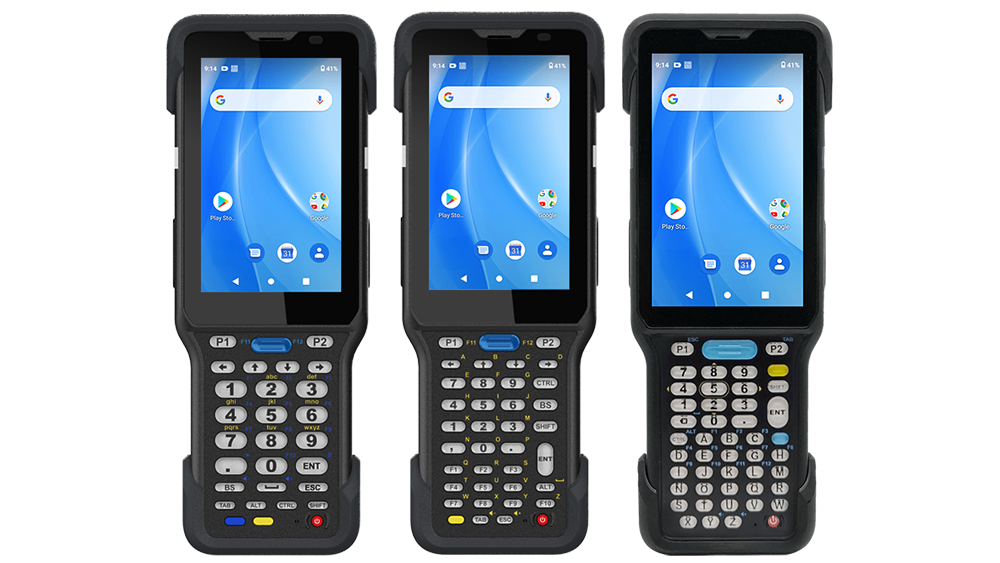
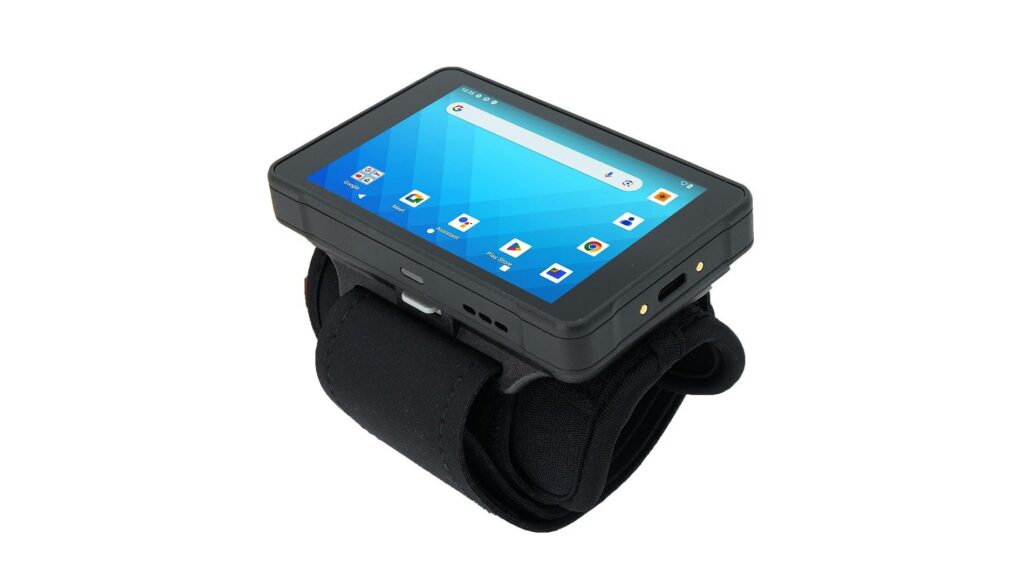
In today’s fast-moving enterprise environments, data accuracy and input efficiency are critical to operational success. Yet in many real-world scenarios, frontline users need to capture both text and barcode information simultaneously — a challenge that traditional OCR-based keyboards often struggle to meet.
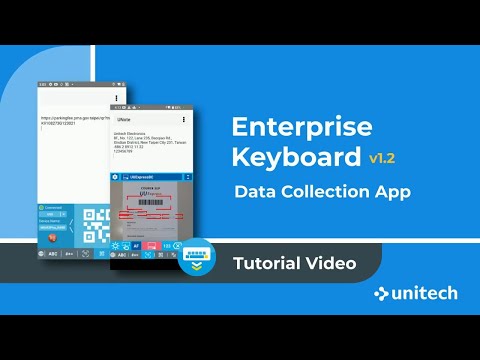
With Enterprise Keyboard V1.2, we introduce two groundbreaking features — Auto Match Mode and Field Match Mode — designed to overcome these limitations. These new modes make data capture smarter, faster, and more adaptive, enabling enterprises to seamlessly collect and process mixed data in even the most dynamic on-site conditions.
What’s New in Enterprise Keyboard V1.2
The latest Enterprise Keyboard V1.2 introduces two breakthrough features — Auto Match Mode and Field Match Mode — that make data capture smarter and more efficient than ever.
1. Auto Match Mode
Auto Match Mode lets users spontaneously capture both text and barcodes in real time. It can recognize up to 10 barcodes simultaneously, streamlining data collection between text and barcode. With customizable Auto Match Rules, users can specify what to capture, and the OCR Keyboard will automatically detect and extract only the data that matches the rule. Captured data can also be edited or converted before being sent to the app, meeting diverse enterprise data requirements.
2. Field Match Mode
Field Match Mode enhances field-based data capture by adding barcode recognition support. Users can predefine multiple capture fields, each with specific recognition and correction logic to improve accuracy. For example, when capturing Expiration Date can be individually defined — each with its own data formatting or correction rule to address common OCR issues like confusing “O” with “0” or “I” with “1.”